

No automatic contact syncing,
only profile links and conversation history
Add Friends
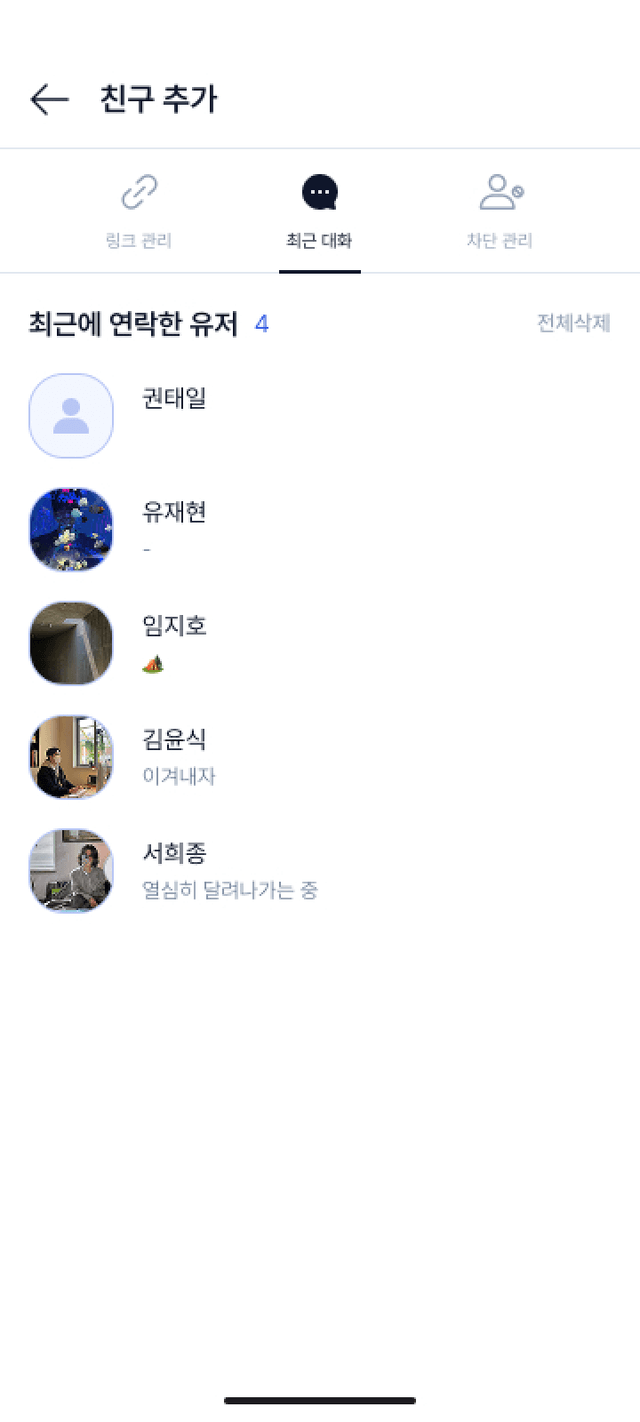
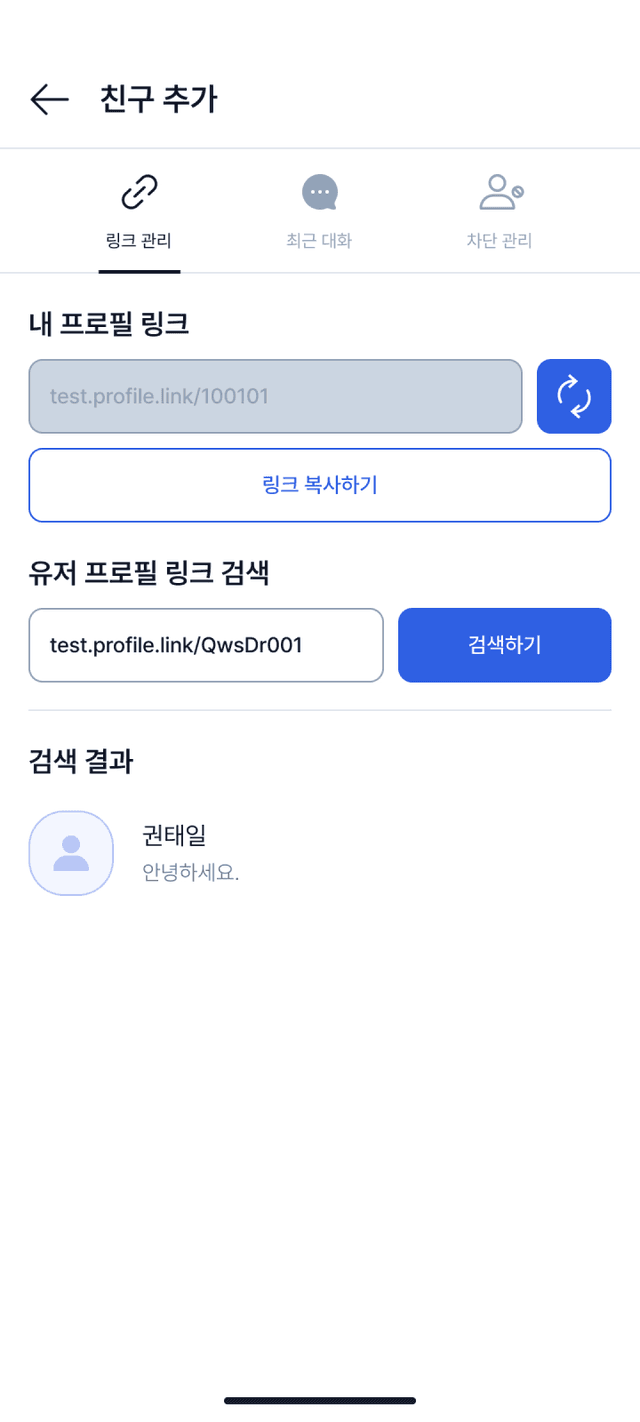
KKIRI does not import your friend list through automatic contact syncing.
Over time, you naturally collect a lot of contacts you do not really need.
You may not want every casual connection to appear in your social graph.
Add only the people you actually want in your friend list.
Share your profile link to add friends,
or add them directly from the profile of someone you recently talked to.
No more messy friend lists,
organize them cleanly with friend groups
Friend Groups
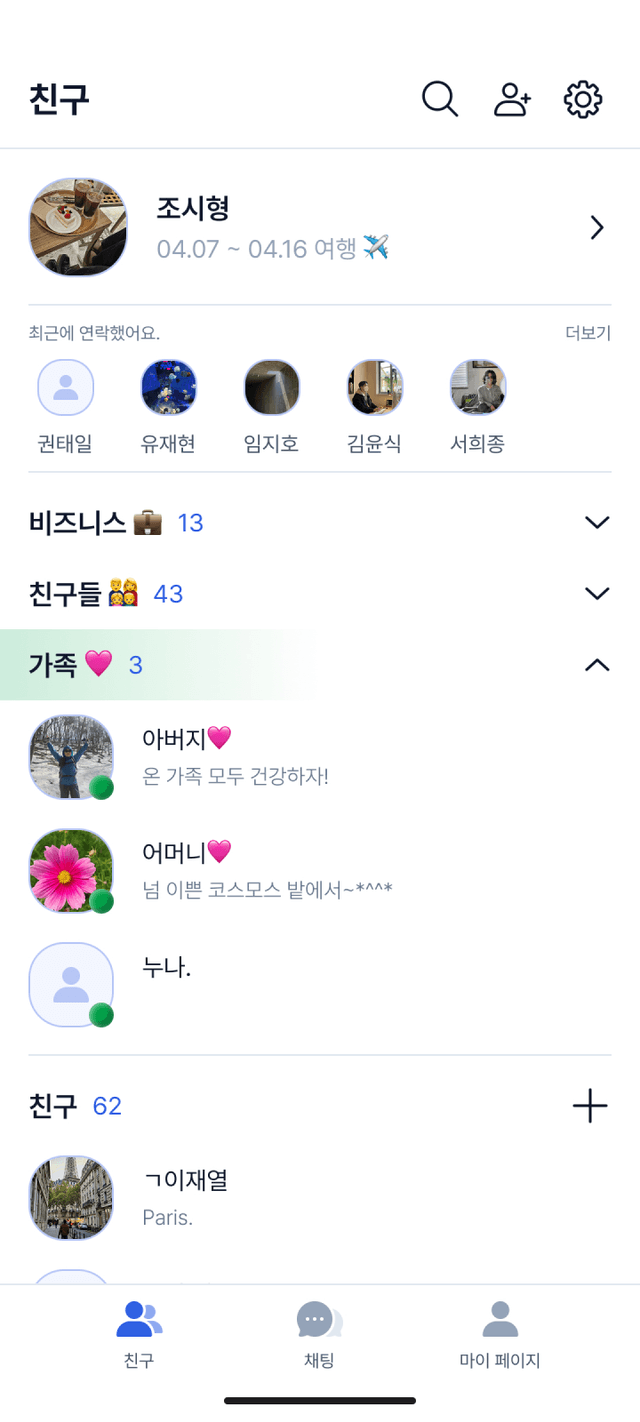
Create friend groups in KKIRI to keep your contacts organized.
Put the people you want into the groups you create for easier management.
You can assign colors to group names so they are easier to identify at a glance,
and even display a color badge for that group on each friend profile.
When adding a friend to a group, you can use the settings button on the profile,
or drag and drop the profile into the group you want.
Your chat list too, of course,
organized at a glance with chat folders
Chat Folders
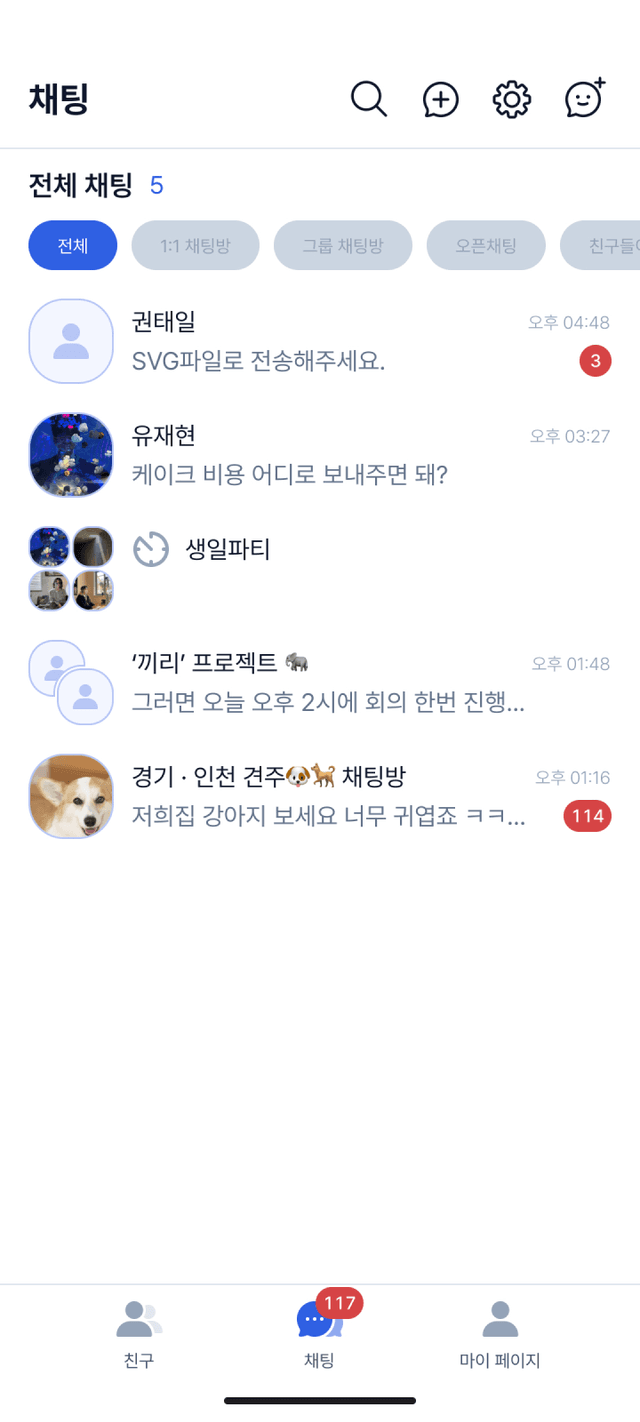
KKIRI lets you organize chat lists into folders.
Even as more chat rooms pile up, you can sort them in the way that works for you.
Create folders for work, friends, family, projects, or any category you want,
and place each chat room into the right folder for easier management.
Chat folders help you separate important conversations from casual ones,
so you can find the room you need faster.
Use the emojis you actually want,
with support for PNG and GIF
Custom Emojis
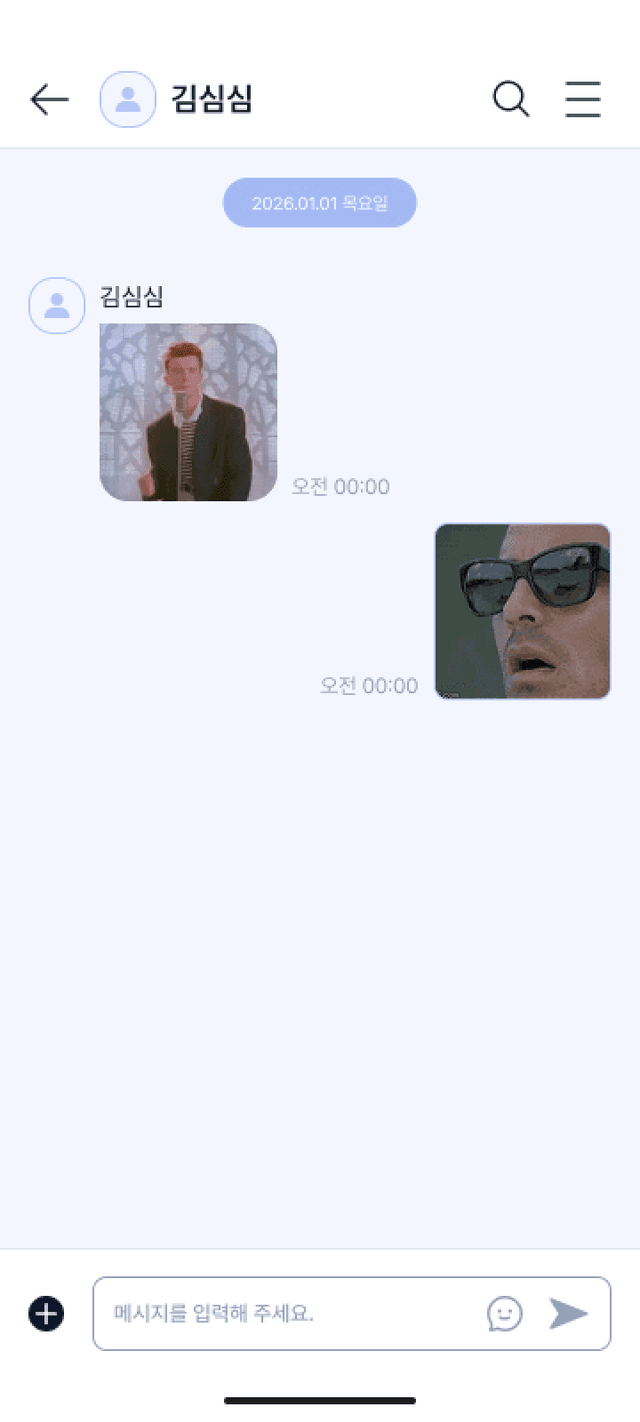
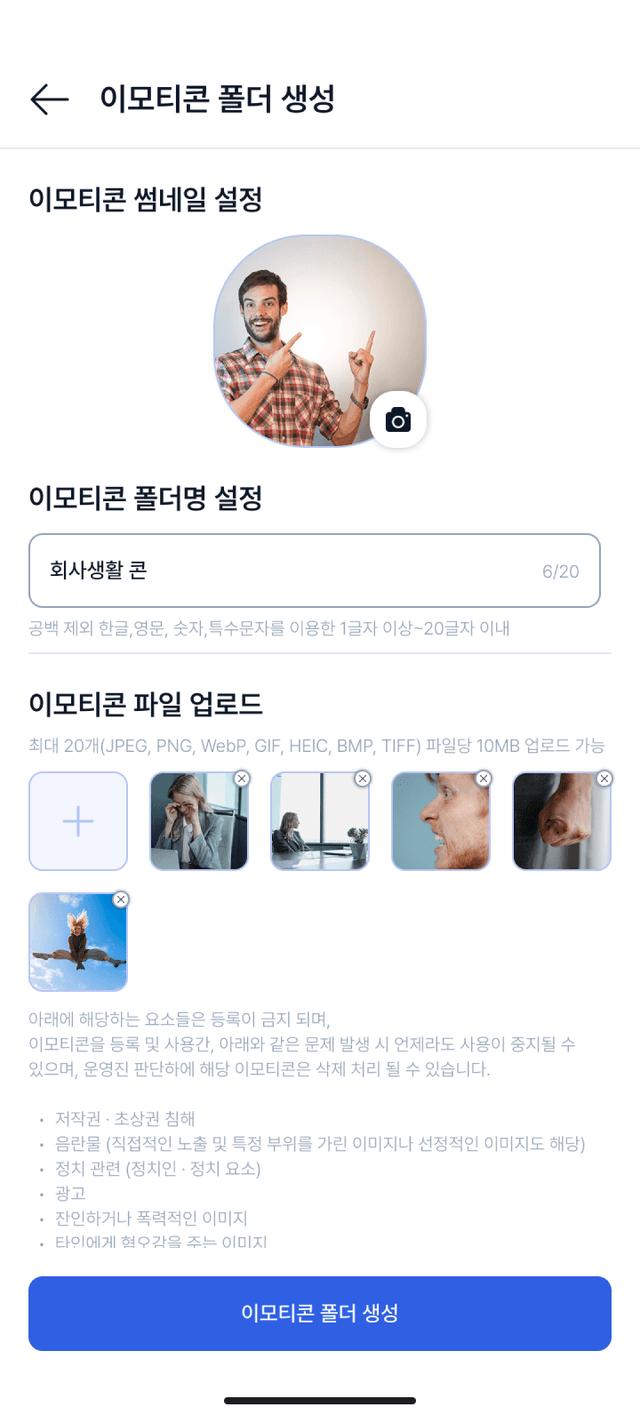
KKIRI lets you create and use the emojis you want.
From transparent PNG files to animated GIFs,
upload them freely and build your own emoji collection.
Turn your favorite reactions, memes, and images into emojis
to express yourself more freely and creatively in chats.
If you need stronger privacy in chats,
use auto-delete messages
Auto-Delete Messages
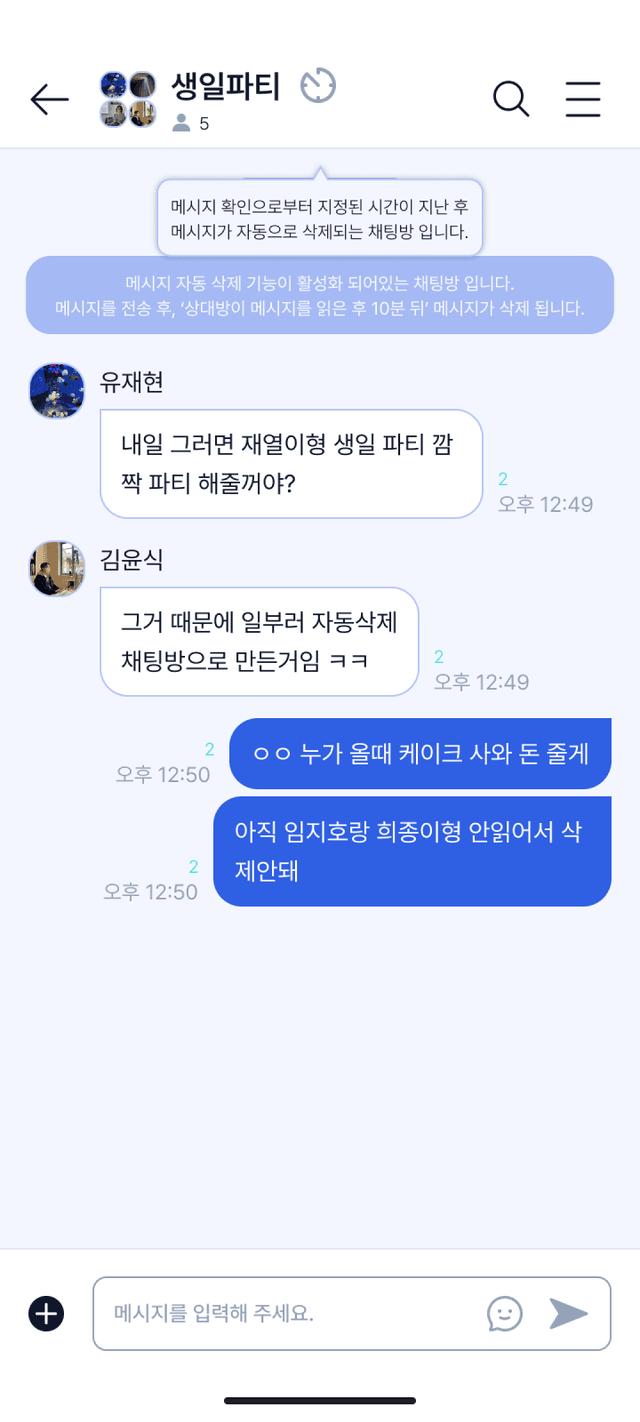
KKIRI lets you automatically delete chat messages after a set time.
If you need stronger privacy, use the auto-delete feature in your conversations.
Once the selected time passes, messages are removed automatically,
helping you manage your chat history more safely.